
Ordering business cards online can feel easy, only to suddenly become tricky. The details matter, though, and they shape the final impression.
CONTENTS TABLE
- What to Decide Before You Upload Your File
- File Setup: How to Prepare Your Design for Print
- Choosing the Right Paper Stock & Finish Online
- Turnaround Time & Shipping: What to Expect
- How to Review Your Order Before Approving Print
- Getting the Most Value From Your Order
- Final Word
What to Decide Before You Upload Your File
Before you customize business cards online, a little planning now saves reprints, delays, and quiet frustration later.
Where to Make Business Cards
There are a few solid paths to choose from: dedicated print shops, big-box office stores, or online printers like LogoMaker. Each offers different turnaround times, pricing tiers, and design tools to fit your needs.
Online platforms are often the easiest route. They let you design, upload, and order in one place, with templates that simplify the process for anyone short on design experience.
Quantity: How Many Cards Do You Actually Need?
Think about how you’ll hand them out. A freelancer needs fewer cards than a sales team. Many printers offer better pricing on cards in larger batches, which makes bulk orders smarter for busy founders.
A small order suits a test or fresh branding. Larger runs fit conferences or daily networking. Keep quantities low if contact details may soon change.
Size & Orientation: Standard, Square, Mini
Standard cards are the safe, familiar choice. They fit wallets, card holders, and old habits. Square and mini cards feel more creative, but they can cost more to mail or store.
Orientation matters too. Landscape feels classic and roomy. Portrait feels modern and a bit bolder.
Single-Sided vs. Double-Sided Custom Business Cards
Single-sided cards are clean and direct. They work well when your message is simple. Double-sided cards give you room for a logo, tagline, QR code, or extra contact details.
That extra side can carry real weight. It’s like giving your brand a second handshake.
Use LogoMaker to refine your design before it appears on branded merchandise, including options to design and print business cards. A clean, versatile logo elevates everything from hoodies to tote bags into a polished brand statement.

File Setup: How to Prepare Your Design for Print
When you design and print business cards online, print files need more care than screen graphics. What looks crisp online can turn soft on paper. That’s why setup matters so much.
Resolution: Minimum 300 DPI for Print
Print files should be built at 300 DPI. Anything lower can look fuzzy or rough at close range. Business cards live in people’s hands, so sharpness matters.
Imagine a suit with frayed cuffs. The message changes fast. A clean file avoids that problem.
Color Mode: CMYK, Not RGB
Use CMYK for print work. RGB is made for screens, where light creates color. CMYK is made for ink, where pigments do the job.
This matters because colors can shift during printing. Bright neon blues and electric reds often calm down on paper. Always check your palette early.
Bleed & Safe Zone: What These Mean & Why They Matter
Bleed is the extra artwork around the edge. It helps avoid thin white strips after trimming. The safe zone is the inner area where text and logos remain protected.
A typical setup uses about 3mm of bleed on each side. Keep important details farther inside. That small gap can save a whole order.
Accepted File Formats: PDF, PNG, AI, PSD
PDF is often the safest print format. It keeps layout, fonts, and spacing stable. AI and PSD work well for source files, while PNG can help for flat artwork.
Before uploading, make sure the file matches the printer’s needs. A polished file behaves like a well-packed suitcase. Nothing shifts around.
Choosing the Right Paper Stock & Finish Online
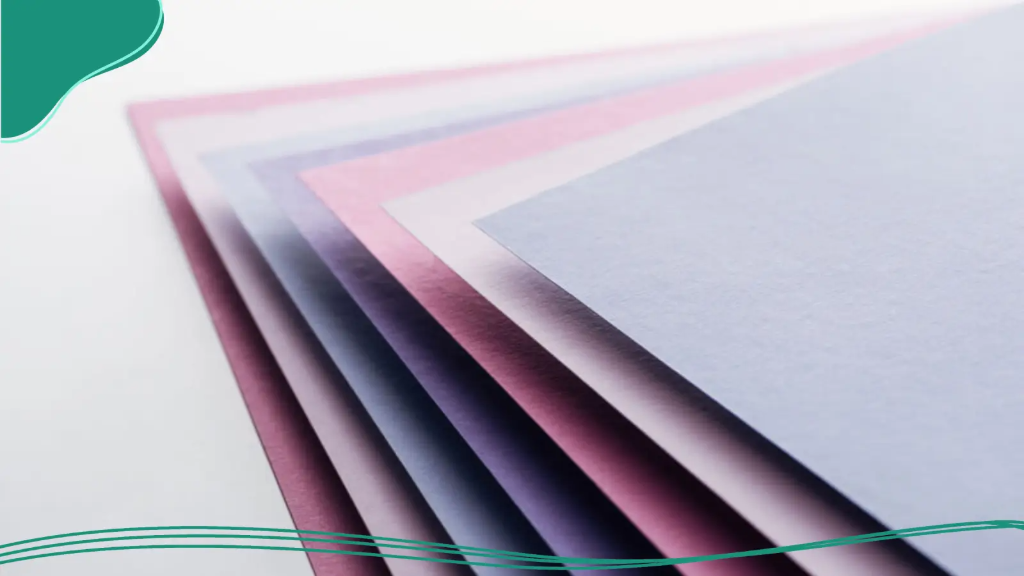
Paper changes the mood of the card. It can feel sharp, soft, sleek, or sturdy. Your choice tells people how your brand wants to be remembered.
Paper Weight Explained: 14pt vs. 16pt vs. 18pt
Paper weight affects how solid the card feels. 14pt is common and practical, 16pt feels thicker and premium, and 18pt sends an even stronger business signal.
Thicker stock can feel better in the hand. That matters during networking. People notice weight before they notice the copy.
Use LogoMaker to customize business cards and deliver your logo across multiple file formats, so printers, embroidery services, and promotional suppliers always have exactly what they need to get started.
Matte vs. Gloss vs. Soft-Touch
Matte gives a calm, modern look. Gloss adds shine and makes colors pop. Soft-touch has a smooth, almost velvet-like, premium vibe.
Pick a finish based on your brand personality. A clean consultant may love matte. A bold creative may want gloss.
Eco-Friendly & Specialty Alternatives
Eco-friendly stock can support a greener brand story. Kraft paper, recycled stock, and specialty textured papers all create different moods. These choices can feel warm, handmade, or refined.
Special finishes can also make a card memorable. Foil, painted edges, and textured surfaces can work well for certain brands. Use them with care, though. Flashy isn’t always useful.

Turnaround Time & Shipping: What to Expect
Timing matters when you’re launching or networking fast. A beautiful card that arrives late is still a problem. So the calendar deserves attention too.
Standard vs. Rush Production Timelines
Standard production often costs less. It suits planned launches and steady reorder cycles. Rush production helps when a meeting, fair, or pitch lands sooner than expected.
Build in a cushion when possible. Shipping delays happen. The printer can only move so fast.
Proofing: Digital Proof vs. Physical Proof
A digital proof is a preview on screen. It helps catch layout issues before printing. A physical proof shows the card on real stock, so you can judge the color, and feel, more accurately.
Digital proofs are faster and cheaper. Physical proofs cost more, but they reduce surprises. For a first order, that extra confidence can be worth it.
Shipping Speed & Packaging
Shipping speed depends on service level and location. Faster shipping costs more, but it can rescue a deadline. Good packaging also matters, because bent corners ruin a polished first impression.
Cards should arrive flat and protected. Think of them like fresh pastries. They need the right box to stay presentable.

How to Review Your Order Before Approving Print
This is the last clean checkpoint. Take it seriously. A five-minute review can save a full reprint.
Checking Text, Bleed, and Color Accuracy
Read every line carefully. Check names, titles, phone numbers, and web addresses. Then confirm that background art reaches the bleed area and that colors still look right in CMYK.
Zoom in, then zoom out. Both views matter. Tiny mistakes often hide in plain sight.
Common Errors to Catch At Proof Stage
Watch for cut-off text, spelling slips, and logo blur. Check whether the safe zone feels crowded. Make sure nothing essential sits too close to the edge.
Also check duplicates and outdated contact details. These errors sneak in when you’re moving fast. The proof stage is your final net.
LogoMaker is a smart choice when you’re finalizing your brand identity ahead of a swag order, guiding you through logo refinement, file preparation, and how to design and print business cards so you can customize business cards to match your brand.


Getting the Most Value From Your Order
A smart business card online order should extend beyond a single event. Good cards keep working for months. Sometimes, they quietly do the selling for you.
Bulk Pricing and When to Order More
Bulk pricing often lowers the per-card cost. That can make larger orders a better deal. If your brand is stable, ordering more can save money later.
But don’t overbuy if details may soon change. A new phone number makes old stock useless. Balance savings against risk.
Storing Cards So They Stay Flat & Clean
Store cards in a cool, dry place, away from sunlight and moisture. Use a box or holder to protect edges and surfaces.
Avoid stuffing them into loose drawers. They scuff fast there. Treat them like small brand assets, because they are.

Final Word
Business cards still matter because people still meet face-to-face. The card is small, but the signal is big. When the stock feels right, and the print looks sharp, your brand feels more real.
Want to nail your brand identity before the next swag run? LogoMaker is a great place to create your logo and build print-ready files, particularly when you make use of our AI-Powered logo maker.

FREQUENTLY ASKED QUESTIONS
What file type is best for business cards?
PDF is often the safest choice because it keeps fonts, spacing, and layout consistent during printing. If your printer accepts source files, AI or PSD can also work well. Always save a final print-ready version before uploading.
Where to make business cards when I need them?
For quick turnaround, online printers like LogoMaker are hard to beat. Design, upload, and order in one sitting. Local print shops work too if you need same-day pickup or want to see proofs in person.
Do I need bleed on every card?
Yes, bleed is important when your design reaches the edge. It gives the printer extra artwork to trim, which helps avoid thin white borders. A small bleed area can make the final card look much cleaner and more professional.
Why use CMYK instead of RGB?
CMYK is made for print, while RGB is made for screens. Colors can shift when a digital design gets printed, so converting early helps avoid surprises. Bright shades often look slightly different on paper than they do on a monitor.
What paper weight feels premium?
A 16pt or 18pt stock often feels more substantial in hand. Thicker cards can make a stronger first impression and often feel more durable. The right choice depends on your brand, your budget, and the look you want to create.
How should I store extra business cards?
Keep them flat in a dry place, away from sunlight and moisture. A card box, desk drawer organizer, or display holder works well. Good storage helps prevent bent corners, fading, and surface scuffs before you hand them out.