
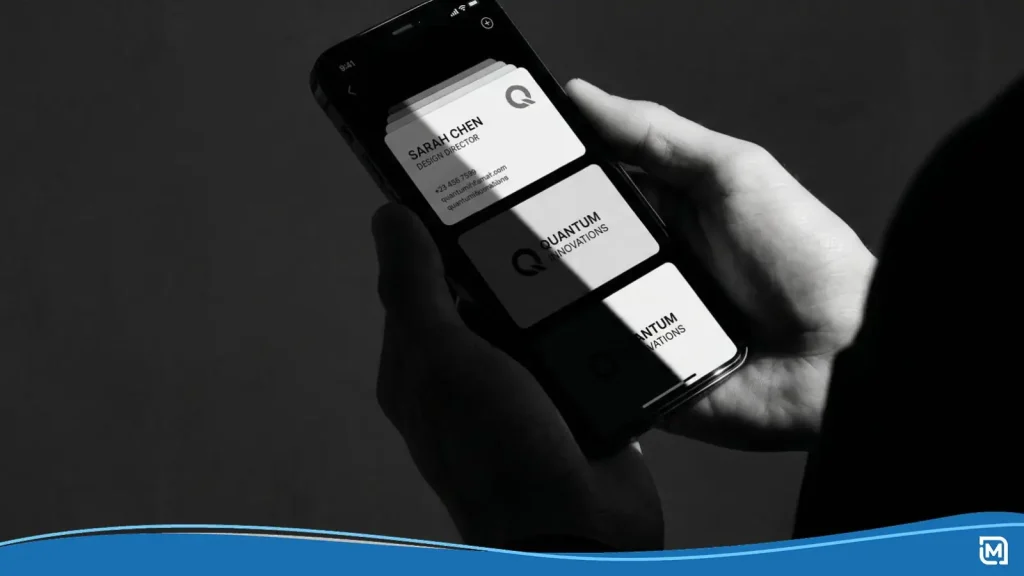
Around 10 Βillion business cards are printed every year in the US alone, yet a large share of those end up in a drawer or a trash can within days. At the same time, 37% of small businesses have already moved to digital business cards, and that number keeps climbing.
So what’s the play? Ditch paper entirely? Go all-in on NFC? Print a QR code on every card? The short answer: it depends on who you’re meeting and how you’re meeting them.
We’ve put together this guide to walk you through each format, break down the trade-offs, and help you land on the solution that fits your brand.
Why Your Business Card Needs a Digital Layer
A printed card is a snapshot. It captures your name, title, and phone number at a single point in time. If any of that information changes, every card in circulation becomes outdated.
Digital business cards solve this problem. Follow-up rates jump by 64% when professionals use a digital contact exchange, and recipients of digital cards are 16% more likely to become customers compared to those who receive a paper card. That’s because digital formats make it easier to save, search, and act on contact details.
Adding a digital layer doesn’t mean abandoning print. It means making your printed card smarter, connecting it to a living profile that stays current and trackable. The three most common ways to do this are QR codes, NFC chips, and standalone digital card apps.
QR Code Business Cards: The Easiest Upgrade
If you’re looking for a low-cost way to bridge your printed materials and your online presence, a QR code is the simplest starting point. About 84% of mobile users have scanned a QR code at least once, and that familiarity works in your favor.
How QR Codes Work on a Card
A QR code is a two-dimensional barcode that any smartphone camera can read.
You generate the code from a URL (your website, a vCard, or a digital profile link), print it on your card, and anyone who scans it gets taken directly to that destination. No app required.
There are two types of QR codes: static and changeable. A static code points to one fixed URL forever. A changeable code lets you swap the destination any time, so you won’t need to reprint if your link changes.
Where to Put It & What to Link
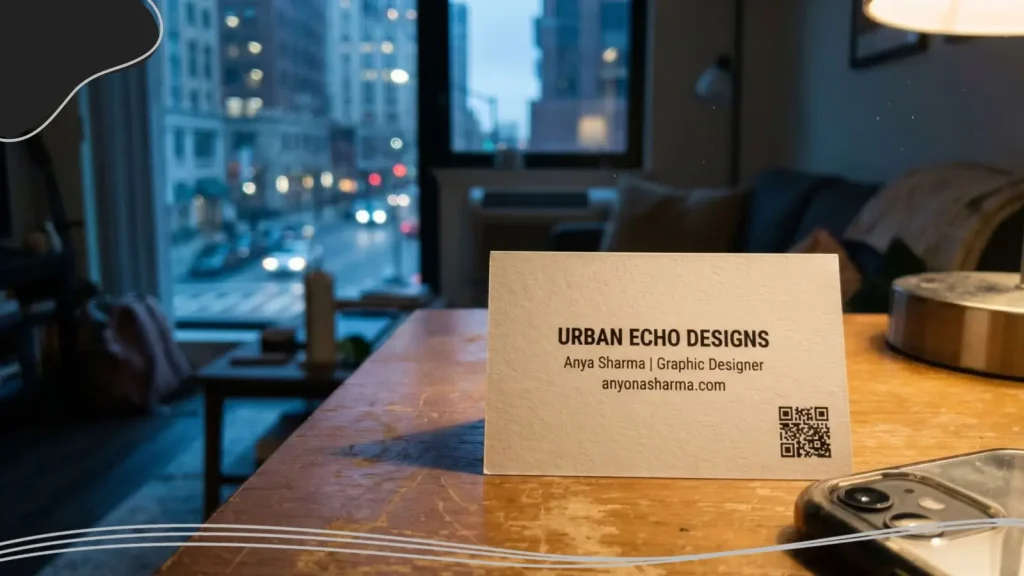
The back of the card is the most common placement, center or slightly to the right. If your design is minimal enough, the bottom-right corner of the front works too. Keep the code at least 0.6 inches (15mm) wide, and leave a few millimeters of clear space around it for reliable scanning.
What you link to matters as much as the code itself:
- vCard: Saves your name, number, and email straight to the recipient’s phone contacts.
- Portfolio or website: Sends people directly to your work or your business homepage.
- Scheduling page: Tools like Calendly let contacts book a meeting with you on the spot.
- Link-in-bio page: A single page that bundles your social profiles, website, and booking link together.
Making the QR Code Look Like It Belongs
A black-and-white QR code slapped onto a polished card design looks like an afterthought. Branded QR codes are up to 80% more effective than generic ones. Match the code to your brand palette, keep the contrast high, and consider placing a small logo in the center of the code (set error correction to Q or H so it still scans).
Add a short call to action nearby: Scan to Save My Info or Scan for My Portfolio. Without context, many people won’t bother scanning. For more QR code design ideas, check out our guide to creative QR code ideas for business cards.
NFC Business Cards: Tap, Share & Impress
Near Field Communication (NFC) cards take things a step further. Instead of asking someone to scan a code, you hand them a card and say, Τap your phone here, please.
The exchange takes about two seconds.
The Technology Behind the Tap
An NFC business card contains a small wireless chip. When a smartphone with NFC support gets within a few centimeters of the card, the chip transmits a URL to the phone. That URL automatically opens your digital profile, website, or contact page.
There’s no pairing, no app download, and no QR scanning involved. It works the same way contactless credit card payments do. Most smartphones sold after 2020 have NFC built in, though some older or budget models don’t.
What Makes NFC Cards Stand Out
- Speed. One tap and the contact exchange is done. No fumbling with cameras or QR readers.
- Conversation starter. The tap-to-connect experience still catches people off guard (in a good way). It signals that you pay attention to details and stay current with technology.
- Reusable. The chip links to a URL. Update the page behind that URL, and the card never goes stale. One card can last for years.
- Premium materials. NFC cards are often made from metal, bamboo, or thick PVC, giving them a weight and texture that stands apart from standard cardstock.
Where NFC Falls Short
- Price. A single NFC card ranges from $15 to $50 or more. That’s a significant jump from traditional printing costs, especially if you’re ordering for a team.
- Device gaps. The NFC business card market is growing fast, but about 39% of older professionals still prefer physical formats over tap-based sharing. If your audience skews toward traditional industries, an NFC card might confuse more than it impresses.
- Only works face-to-face. You can’t NFC-tap someone over a Zoom call. For remote networking, you’ll need a different format.
- Security awareness. NFC uses encryption, but any wireless data transfer comes with some risk. For most business card use cases, the risk is minimal.

Fully Digital Business Cards: Going Paperless
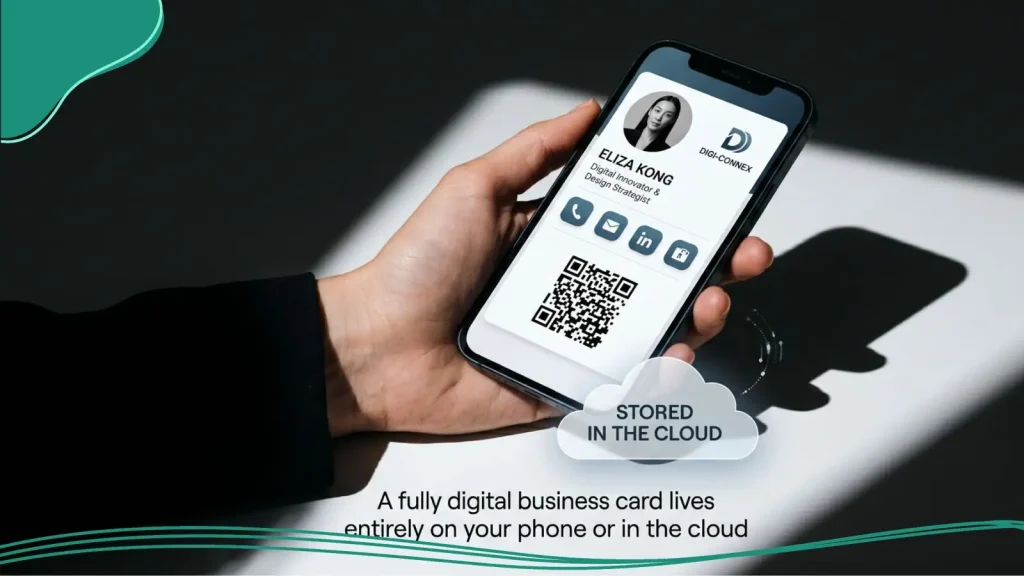
A fully digital business card lives entirely on your phone or in the cloud. You create a profile on a platform (HiHello, Blinq, Popl, or Haystack are a few popular ones) and share it via a link, email, QR code, or text.
How Sharing Works Without a Physical Card
Most platforms give you a unique URL for your profile. You can paste it into your email signature, text it after a meeting, display it as a QR code on your phone’s screen, or share it in a chat during a video call. When the recipient opens the link, they see your photo, title, contact details, social links, and anything else you’ve added. One tap saves everything to their phone.
Many platforms also export your info as a vCard file, which plays nicely with Gmail, Outlook, Apple Contacts, and CRM tools.
The Case for Going Fully Digital
- Always up to date. Change your job title, phone number, or headshot, and the update shows everywhere your card has been shared.
- Room for everything. Videos, portfolio samples, testimonials, booking links, social profiles: a digital card can hold it all. You’re not limited to what fits on a 3.5″ x 2″ rectangle.
- Analytics built in. Many platforms show you how often your card is viewed, which links get tapped, and where your contacts come from. Companies that invest in networking tools see 47% higher lead conversion, and built-in analytics help you understand why.
- No printing, no inventory. Share your card with 10 people or 10,000. Costs stay flat.
The Trade-Offs
- Needs a willing recipient. Not everyone wants to click a link from a stranger. In more traditional settings, a digital-only approach can feel too informal.
- Internet required. Some app-based cards need a connection to load. No WiFi, no card.
- Less tangible. People are 700% more likely to share their info through a digital card, but that doesn’t mean it’s remembered the same way. A physical card sitting on someone’s desk has staying power that a link notification doesn’t.
- Third-party data. Your information lives on the platform’s servers. Read the privacy policy before committing.

When Printed Cards Still Make Sense
Print isn’t dead, and won’t be any time soon. 27 Million business cards are printed daily in the US. In many situations, a physical card is still the fastest and most universally understood way to exchange contact information.
Scenarios Where Paper Wins
- Conferences and trade shows. You’re handing out cards to dozens of people in a few hours. Speed matters, and a printed card needs zero explanation.
- Local and community networking. Chamber of commerce meetups, industry mixers, and neighborhood business events tend to attract people who value a tangible exchange.
- Client-facing service businesses. Restaurants, salons, and retail shops use printed cards as pocket-sized advertisements. Customers take them home, stick them on the fridge door, and hand them to friends.
- Cross-cultural meetings. In many countries and cultures, the ritual of exchanging physical business cards carries deep professional respect. Going digital-only in these settings can seem dismissive.
Upgrading Your Printed Card
We don’t think a printed card and a digital presence have to be mutually exclusive. Here’s how to make print work harder:
- Add a QR code that links to your online profile, portfolio, or booking page.
- Print a short, memorable URL (like yourname.com/card) if a QR code doesn’t suit your design.
- Include social icons for your most active platforms so people know where to find you online.
Pairing a well-designed printed card with a digital destination gives you the credibility of physical media and the convenience of a connected profile.
Picking the Right Format (Or Combination)
There’s no single best format. The right answer depends on your networking habits, your audience, and your budget.
Four Questions to Guide Your Decision
- Where do most of your meetings happen? If you network primarily in person, you need something physical: printed, QR-enhanced, or NFC. If most of your connections start online, a digital card is the natural fit.
- How comfortable is your audience with technology? Tech, marketing, and creative professionals are generally open to NFC and digital cards. More traditional fields like law, finance, or construction? A printed card with a QR code is often the safest bet.
- How often does your information change? Frequent job moves, new phone numbers, or evolving service offerings? Digital and NFC cards eliminate the need for constant reprinting.
- What does your budget look like? Printed cards with a QR code are the cheapest option. Digital card apps range from free to a small monthly fee. NFC cards carry the highest upfront cost but last indefinitely.
Format Combinations That Work
| Profile | Suggested Mix |
| Freelancers and consultants | Printed cards with QR code + digital card for email signatures. |
| Local trades and services | Classic printed cards (customers want something to hold). |
| Designers and creatives | NFC or digital card linking to a visual portfolio. |
| Sales teams | Printed with QR for events, NFC for key meetings, digital for follow-ups. |
| Budget-conscious solopreneurs | Start with a free digital card, add printed QR cards as networking expands. |
Designing a Business Card for Every Format: Branding Tips
No matter which format you pick, your business card is an extension of your brand identity. A few design principles stay consistent across print, QR, NFC, and digital.
Logo Placement & Hierarchy for Hybrid Cards
We know your logo is the visual anchor of your card. On a printed card, place it in the top-left corner or centered at the top. If you’re adding a QR code, give the logo and the code their own visual space so they don’t compete for attention.
On NFC and digital cards, your logo often appears at the top of your profile page. We recommend using a high-resolution file that looks sharp on both screens and in print. If you need a logo first, LogoMaker can help you design one that translates well across every format.
What Goes on the Card vs. What Goes Online
Keep the card itself focused on the essentials:
- Your name and title.
- Your business name and logo.
- One phone number and one email.
- A website URL or QR code.
Everything else, such as social media handles, full service lists, testimonials, and portfolio links, belongs behind the QR code or on your digital profile. A clean, uncluttered card is easier to read and makes a stronger first impression. (For more on designing cards that stand out, take a look at our post on business card trends.)
Keeping Your Brand Consistent
The colors, fonts, and logo placement on your printed card should match what people see when they scan your QR code or visit your digital profile. A mismatch between your physical card and your online presence can make your brand feel fragmented. Start with your brand’s color palette and typography, and carry them through every touchpoint.
LogoMaker’s business card maker lets you build from templates that keep your branding aligned across printed and QR-enabled versions.
Final Thoughts
The digital vs paper business cards debate doesn’t have to be either. A printed card with a QR code handles most in-person situations. An NFC card delivers a premium first impression. A digital card keeps you covered for remote and online networking.
The best strategy is to combine formats based on how and where you meet people. Start with the format that matches your most common scenario, and layer in others as your networking grows. Whatever form your card takes, it’s often the first branded touchpoint someone has with your business. Make sure it represents you well.
Want to design a business card that matches your brand? Browse business card templates at LogoMaker and create a professional card in minutes.