
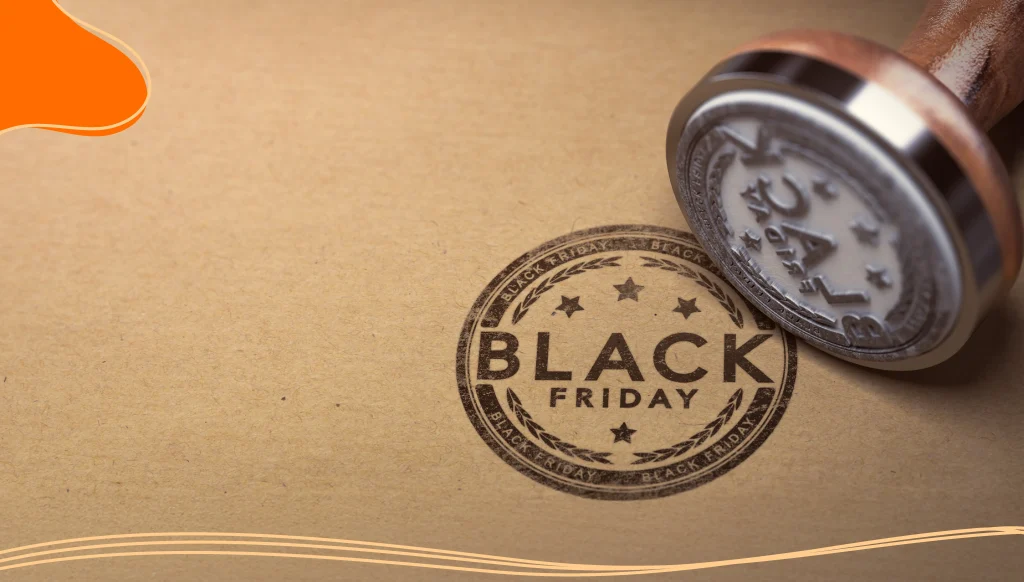
Black Friday. Just saying those two words is enough to make shoppers’ hearts race. It’s the biggest shopping event of the year, jam-packed with deals, urgency, and more exclamation points than any other holiday.
But with so many brands shouting from the rooftops, how do you make sure your promotions stand out? One way to make sure your brand is recognized during this busy season is to create a custom Black Friday logo that steals the show.
In this article, we’ll explore how to build the best Black Friday promo with a custom logo that captures attention, sparks excitement, and drives conversions.
- What Is Black Friday?
- Why a Custom Black Friday Logo Matters More Than Ever
- Elements of a Great Black Friday Logo
- How to Create Your Black Friday Logo: Step-by-Step
- Where to Use Your Black Friday Logo
What Is Black Friday?
Black Friday has become an integral part of the consumer journey, but have you ever asked yourself; Where do things like Black Friday come from? So, before we dive into logos and promotions, let’s take a moment to understand what Black Friday actually is, when it happens, and how it became the shopping juggernaut it is today.
Black Friday falls on the Friday immediately after Thanksgiving in the United States, which means it typically lands in late November. In 2025, for example, Black Friday will take place on November 28. While it began as a US-based tradition, its influence has gone global, with many countries participating in the retail frenzy.
The term “Black Friday” dates back to the 1960s in Philadelphia, where police used it to describe the chaos that ensued when tourists and shoppers flooded the city after Thanksgiving.
Over time, retailers embraced the term and reframed it to reflect the moment when stores go “into the black” (become profitable) due to a massive surge in sales.
Since then, Black Friday has evolved from early-morning doorbusters to weeklong and even monthlong online and in-store deals. It’s now a vital part of the holiday shopping season, kicking off consumer spending and setting the tone for the end-of-year market.
Why a Custom Black Friday Logo Matters More Than Ever
Let’s be honest: the Black Friday market is crowded. Everyone from coffee shops to tech giants to indie crafters on Etsy is rolling out deals. Despite the competition, Black Friday continues to be one of the most profitable times of the year for most businesses.
Black Friday 2024 shattered records as US consumers spent an astonishing $10.8 billion online, and this astronomical number doesn’t even account for in-person sales.
To make the most of your Black Friday, you need to pay special attention to your seasonal branding. If you just slap “Black Friday Sale” on a banner in plain font, it simply isn’t enough.
Creating a custom Black Friday logo can elevate your brand and create a strong visual impact. Some other benefits of creating a custom logo include:
- Differentiate your campaign from generic promotions.
- Reinforce your brand identity while still riding the seasonal hype.
- Create visual consistency across ads, emails, landing pages, and packaging.
- Trigger emotional responses like urgency and excitement.
- Boost your overall perception as a professional, trustworthy brand.
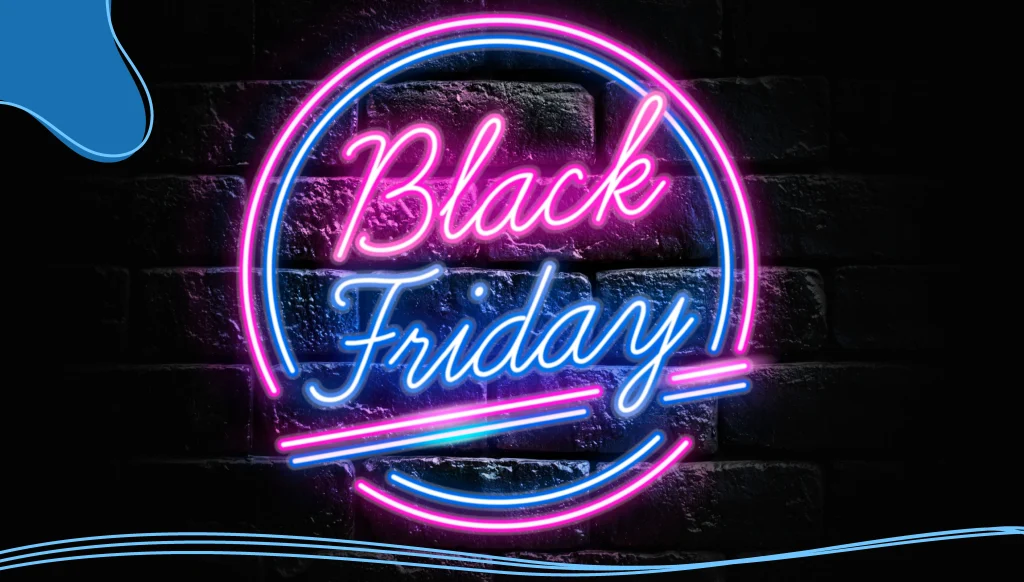
Elements of a Great Black Friday Logo
The things that make a great Black Friday logo are the same things that make a great logo, but with an added level of specificity and boldness. Want to make a logo that sells? Focus on these core elements:
1. Color Choice
Black is the obvious go-to (it is Black Friday, after all), but don’t stop there. Consider:
- Red: Urgency, excitement, “limited time only!”
- Gold: Premium deals, exclusive offers
- White: Contrast and clarity
- Neon or bright accents: For digital appeal and modern vibes
Pair dark backgrounds with high-contrast text or graphics for maximum visibility. This isn’t the time for pastels or muted tones.
2. Typography
Big, bold fonts work best. Think sans-serif fonts that command attention. Play with:
- Condensed fonts to fit more punch in less space.
- Outlined text for layering effects.
- Handwritten styles for a friendly or artisan vibe.
Keep legibility top-of-mind; if someone can’t read it instantly, you’ve lost them.
3. Graphics & Icons
Visual cues help people understand the context immediately. Consider adding:
- Shopping carts
- Discount tags
- Clocks or countdowns
- Dollar signs
- Gift boxes
Make sure the graphics complement your message, not clutter it.
4. Custom Touches
This is where you shine. Add subtle nods to your brand:
- Use your brand color as an accent.
- Include your main logo subtly in the corner or footer.
- Mirror your usual style. If your brand is minimalist, don’t go too heavy on the neon.
Incorporate these elements into your own logo design using LogoMaker‘s innovative AI-powered platform. Start with an AI-generated logo design and customize each and every element from typeface to color shading. Elevate your brand today!
How to Create Your Black Friday Logo: Step-by-Step
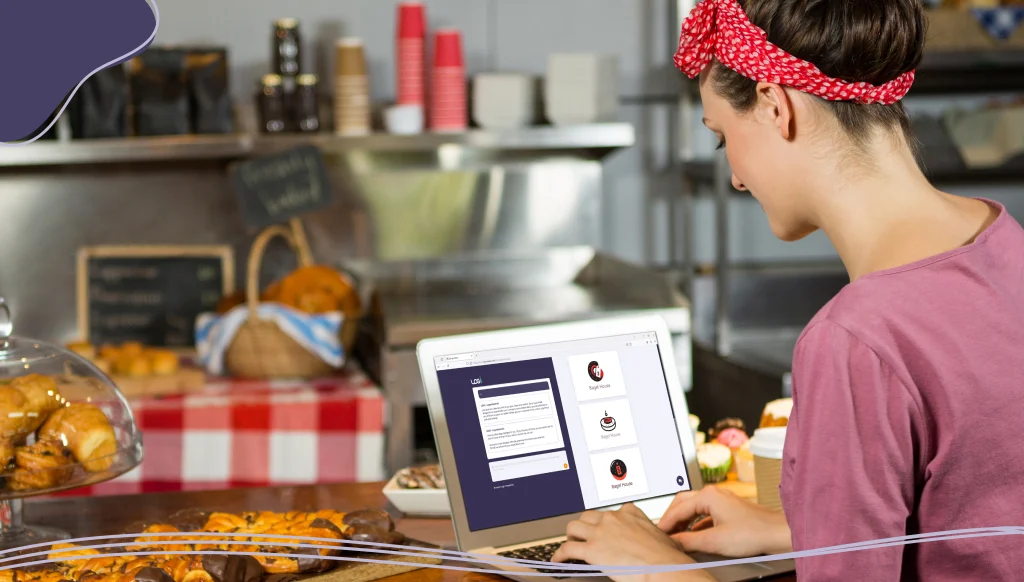
Don’t worry, you don’t need to be a graphic designer to create a professional Black Friday logo. Whether you’re a DIY marketer, a small business owner, or a creative entrepreneur, here’s a complete breakdown of how to bring your logo to life step by step:
1. Choose a Design Tool
Online logo makers offer a convenient and affordable way to create professional-looking logos without design experience. For creating stunning pictorial mark logos specifically, LogoMaker stands out as the premier solution. LogoMaker features:
- Extensive symbol library: Access thousands of professionally designed icons and symbols specifically optimized for logo use.
- Intuitive customization: Easily adjust colors, shapes, and proportions to perfectly match your brand’s personality.
- Instant preview options: See how your logo looks across different applications (business cards, websites, social media).
- Vector downloads: Receive scalable, high-quality files that maintain perfect clarity at any size.
- Affordable packages: Professional-quality results at a fraction of custom design costs.
Creating your Black Friday logo on LogoMaker takes just minutes: select your industry, choose from curated symbol options, customize colors and styling, and download your perfect logo in multiple formats ready for immediate use.
Some other online logo makers include:
- Canva: Perfect for beginners. It offers thousands of templates, a drag-and-drop interface, and a wide selection of fonts and graphics.
- Adobe Express: Another beginner-friendly platform with sleek, modern templates and brand kit support.
- Looka: Great if you want to generate several quick ideas based on your brand name and style preferences.
- Photoshop/Illustrator: Ideal for advanced users who want total control over every pixel. Use this if you have a background in design or want to create something truly unique from scratch.
2. Select a Template or Start from Scratch
Many tools offer pre-designed templates specifically for Black Friday. These are excellent time-savers, especially if you’re in a rush. Choose one that matches the tone of your brand, whether that’s bold and edgy, minimal and clean, or festive and fun.
If you’re starting from scratch, begin with a blank canvas. Choose your dimensions based on where you’ll be using the logo (website banner, email header, Instagram post, etc.).
3. Customize the Colors & Fonts
This is where your brand personality comes through. If your brand already has established colors and fonts, incorporate them to keep everything consistent. However, don’t be afraid to experiment with traditional Black Friday colors like red, black, or gold. Fonts should be bold, readable, and attention-grabbing. Think modern sans-serifs or thick display fonts. Avoid anything too thin or script-heavy unless it aligns with your brand vibe.
4. Add Graphics & Icons
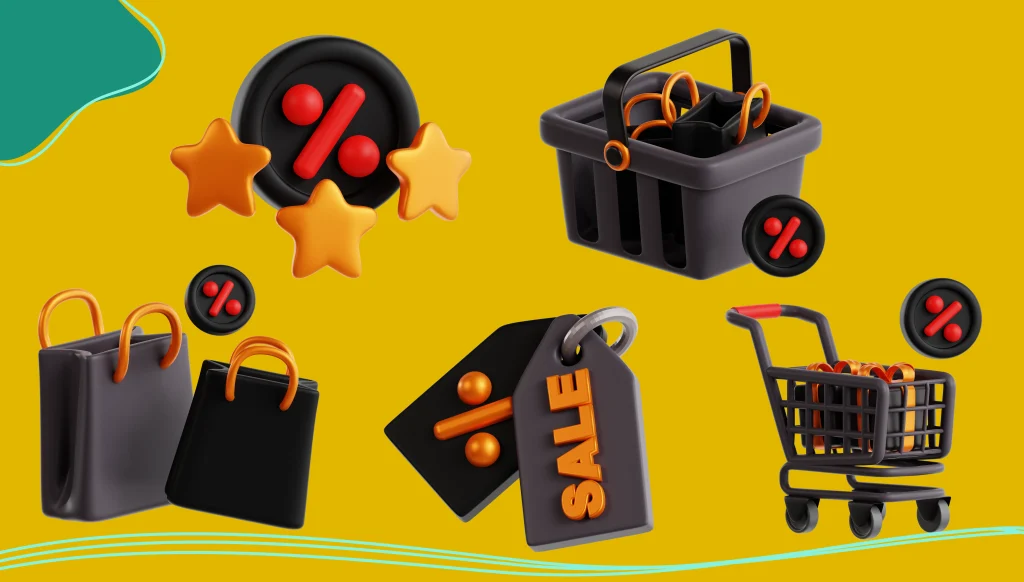
This step adds the final flair. Icons and illustrations help reinforce the Black Friday theme and guide the viewer’s eye. Consider adding:
- Shopping bags or carts.
- Percentage signs (%), sale tags, or discount labels.
- Clocks, to build urgency.
- Stars or bursts to add energy.
- Holiday-themed elements if your sale ties into the broader holiday season.
Keep it clean, though. Too many icons can make the logo feel cluttered. Less is often more.
5. Export in Multiple Formats
Once you’re happy with your design, you’ll need to export it for various uses. Save your logo in:
- PNG (with transparent background) for flexibility on different backgrounds.
- SVG for scalable, high-quality web use.
- JPG for quick, compressed sharing on social media.
If possible, keep an editable version (like a PSD or Canva file) for future tweaks or repurposing.
6. Test Across Platforms
Preview your logo in different contexts before you go live:
- On desktop and mobile screens.
- On your website, email headers, and social media.
- In both dark mode and light mode.
Sometimes what looks good on your laptop might look crowded or off-balance on a phone. Test, tweak, and test again to ensure consistency across platforms.
Mistakes to Avoid with Your Black Friday Logo
Let’s keep you from sabotaging your sales with these common pitfalls:
- Too much clutter: Simplicity is power.
- Illegible fonts: Don’t make customers squint.
- Ignoring your brand style: Just because it’s Black Friday doesn’t mean you should go off-brand.
- Forgetting mobile optimization: 70%+ of users will see it on a phone.
Where to Use Your Black Friday Logo
Once you’ve got your killer Friday logo designed, don’t let it sit on a lonely banner. Splash it everywhere:
- Email headers: Your Black Friday deals announcement deserves a custom look.
- Social media posts and ads: Keep it consistent across Instagram, Facebook, and TikTok.
- Website banners and popups: Make sure the homepage matches the excitement.
- Printed materials: Flyers, window decals, or packaging inserts for in-store promotions.
- Digital ads: From Google Display to in-app banners, it pays to brand your deals.
Consistency is key. A cohesive look builds trust and recognition throughout the customer journey.
Branding Beyond the Logo: The Full Black Friday Promo
Your Black Friday logo is just the start. Let’s talk strategy for a seamless campaign:
- Landing page: Design a custom promo page with your Friday logo front and center. Add countdown timers and categories.
- Email campaigns: Use your logo in headers, footers, and as a theme across all promotional emails.
- Social countdown: Create daily teaser posts featuring your Friday logo and upcoming deal highlights. You can pair this with availability counters to create a greater sense of urgency.
- Loyalty exclusives: Offer early access to subscribers or reward members with your Friday logo leading the announcement.
How to Measure Success
Don’t just create your Black Friday logo and hope for the best. Measure how it performs:
- Click-through rate on emails featuring the logo
- Ad conversion rates
- Engagement on social media posts
- Bounce rate on landing pages
- Sales volume vs. previous years
Use the insights to refine your designs and strategy next year.
Conclusion
You’ve got the products. You’ve got the deals. Now all you need is a Black Friday logo that makes shoppers stop scrolling, click fast, and say, “Take my money!” Building a custom Friday logo can help boost visibility, sharpen your message, and turn seasonal hype into real results.
Use LogoMaker’s intuitive AI-powered design tools to craft an amazing Balck Friday logo that is sure to get your customers excited for some great deals!
FREQUENTLY ASKED QUESTIONS
Do I really need a different logo just for Black Friday?
You don’t need to replace your main brand logo, but a custom Black Friday logo adds impact and shows customers you’re offering something special. Think of it like holiday packaging; it’s temporary, but memorable.
When is Black Friday 2025?
Black Friday 2025 is November 28th, the day after Thanksgiving in the US. It’s the big day for discounts and the start of holiday shopping.
When does Black Friday start?
Black Friday traditionally starts at midnight after Thanksgiving. Still, many retailers start their sales earlier, sometimes on Thanksgiving Day or even a week before, to give shoppers more time to shop.
When does Black Friday end?
Black Friday itself ends at midnight on the day, but some retailers extend their deals through the weekend into Cyber Monday. This is sometimes called Cyber Weekend.
Can I use my Friday logo on social media ads?
Absolutely! And you should. Make sure to resize and optimize it for different platforms like Instagram, Facebook, and TikTok.
How do I make my Black Friday logo stand out?
Use bold fonts, high-contrast colors, and clear visuals. Keep the design simple but powerful. Don’t forget to test it across different devices.