
Most branding mistakes don’t start with a bad logo; they start with where that logo ends up. Improper logo design placement can make or break the effectiveness of promotional products. Even the most stunning company logo can fall flat if it ends up in the wrong place. Too small and it disappears. Too big, and it overwhelms the product. Off-center, and it looks like a mistake. Logo placement is one of those details that might seem minor until you’re staring at a box of 500 shirts, wondering why none of them look quite right.
In this article, we’ll provide you with the ultimate logo placement guide to save you from that fate. It doesn’t matter if you’re outfitting your team in employee uniforms, creating branded merch, or just trying to figure out where your logo belongs on a business card; we’ve got you covered with expert tips, real measurements, placement size, and practical advice for every product type.
- General Rules of Logo Placement That Work Everywhere
- Business Cards
- T-Shirts
- Hoodies & Sweatshirts
- Hats & Caps
- Mugs & Drinkware
- Tote Bags & Other Soft Goods
- How to Prepare Files with Correct Placement for Printers
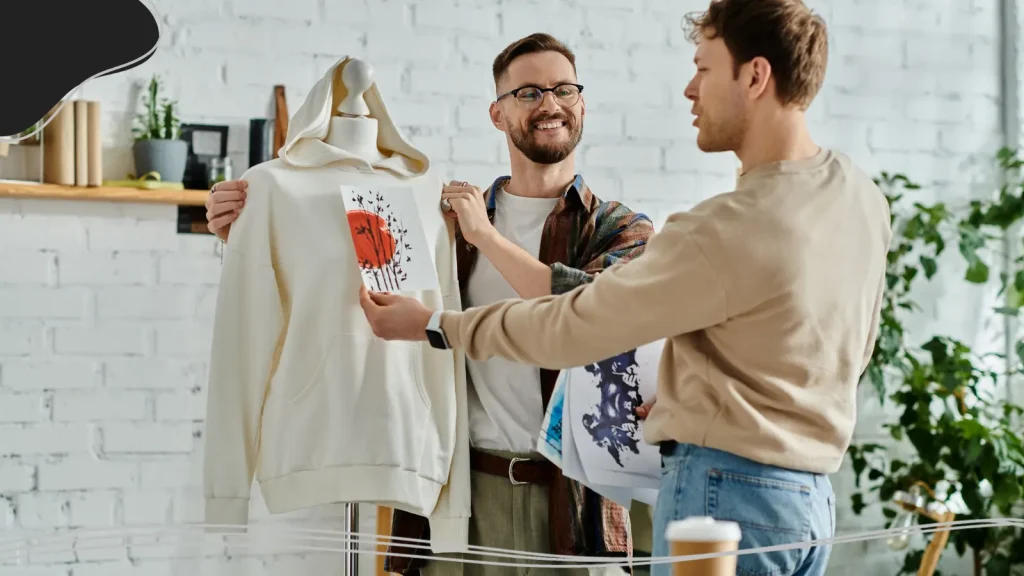
General Rules of Logo Placement That Work Everywhere
Before we get into the specifics of each product type, it helps to understand a few universal principles that apply no matter what you’re printing on. These aren’t rigid laws but more like reliable guidelines that keep things looking professional and intentional. Ignore them at your own risk (or use them creatively to break the rules on purpose, which is a valid artistic choice).
Alignment, Margins & Clear Space
Clear space (also known as negative space) is the breathing room around your logo. It is one of the most underappreciated elements of good logo placement. Every logo needs a buffer zone of empty space around it so that other design elements, seams, pockets, or text don’t crowd it visually.
As a general rule, the minimum clear space around a logo should be equal to the height of the tallest letter or symbol in the logo itself. So if your logo’s capital letters are half an inch tall, leave at least half an inch of empty space on all sides.
Alignment matters just as much. A logo that’s slightly off-center or inconsistently positioned across a product line will make even the most premium brand look sloppy. When working with printers, always reference specific measurements from a fixed edge, like the collar, the left seam, or the bottom of the product, rather than eyeballing it. Consistent reference points are what separate professional print jobs from amateur ones.
Margins are especially important on business cards and smaller items where space is tight. Don’t let your logo get too close to the edge; a minimum of 0.125 inches from any edge is the standard safe zone for print, though 0.25 inches is even safer for most card designs.
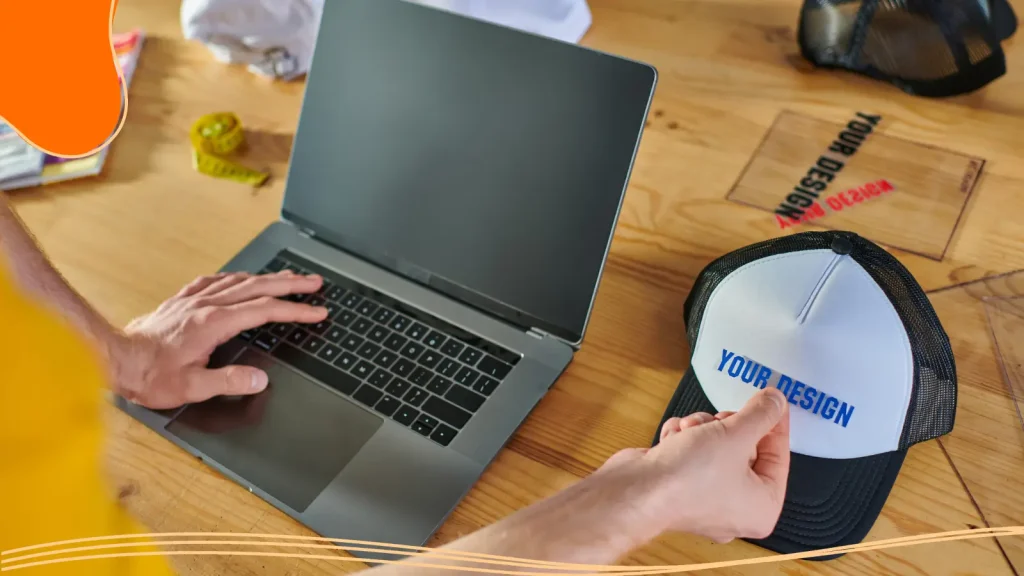
Visibility vs. Subtlety (Front vs. Back, Large vs. Small)
Not every logo placement is meant to shout. Some placements are designed for maximum visibility, think a bold, center chest print on a T-shirt or a large logo on the front of a tote bag. Others are intentionally subtle, like a small icon embroidered near the back collar or a minimalist mark on the inside tag. Both are valid, and the right choice depends entirely on your goals.
For brand awareness and eye-catching graphics, front-and-center placement is almost always your best bet. If you want people to notice and remember your brand, give that logo prime real estate for better visibility. For professional or luxury contexts, think high-end corporate gifts or premium apparel, a subtler placement can actually communicate more sophistication than a logo that dominates the entire front of a shirt.
If you want to take the minimalist path with promotional items and are looking for inspiration, GitHub is a perfect example. GitHub’s merchandise is centered around its Octocat mascot. While most companies stick with one static logo design, GitHub treats its cat-octopus hybrid like a canvas that can be endlessly reimagined. This flexible mascot allows GitHub to create a strong brand identity without being too flashy or over-the-top in its branding strategy.
Balancing Logo Size with Product Usage
Here’s a question people don’t ask often enough: how will this product actually be used? A mug that sits on a desk should have a logo facing outward when held in the dominant hand. A hat worn in the sun needs an embroidered logo that holds up at small sizes without losing intricate details. A tote bag that gets tossed over a shoulder should have a logo that reads well, even when the bag is moving.
Logo sizes need to scale appropriately with the product. A logo that’s perfect on a large hoodie might look oversized on a youth shirt or completely lost on a small pin. Always think about the placement area in context, not just as a flat design on your browser tab, but as a three-dimensional object that real people will interact with.
This is especially true for items like drinkware, where the curvature of the product affects how the logo reads.

Business Cards
The humble business card is still one of the most powerful branding tools you have when it’s done right. In a world where everyone hands out the same generic cards, a thoughtfully designed business card with smart logo placement can be the difference between ending up on someone’s desk and ending up in the recycling bin.
Common Layouts: Logo Top-Left, Centered, or Top-Center
There are three classic approaches to logo placement on a business card, and each sends a slightly different message.
- The top-left placement is arguably the most traditional and widely used. It mirrors how we naturally read, left to right, top to bottom, so the logo is the first thing the eye lands on. This works especially well for horizontal logos or text-based designs where the brand name anchors the card.
- A centered logo creates a more formal, symmetrical feel. This is a great choice for luxury brands, design studios, or anyone who wants the logo to serve as the card’s visual focal point.
- The top-center placement splits the difference; it’s balanced and prominent without feeling overly rigid. It works well when you want the logo on the left to remain visually open for contact information arranged in a column.
Whatever layout you choose, consistency is key: use the same placement across all variations of your business card for a cohesive look.
Logo Size Ranges & Safe Margins
On a standard 3.5 by 2-inch business card, your logo should typically occupy between 20 and 35 percent of the card’s surface area, roughly 0.75 to 1.25 inches wide for most designs. For logos that rely on intricate details or fine type, err toward the larger end of that range; going too small means important details get lost in printing.
Keep your logo at least 0.125 inches from the edge of the card (this is the bleed-and-trim safe zone), and ideally 0.25 inches or more from any edge to avoid the logo getting clipped during cutting. If you’re working with a transparent background, make sure your logo is saved as a PNG file or vector file so it sits cleanly on whatever cardstock you’re using without a white box around it.
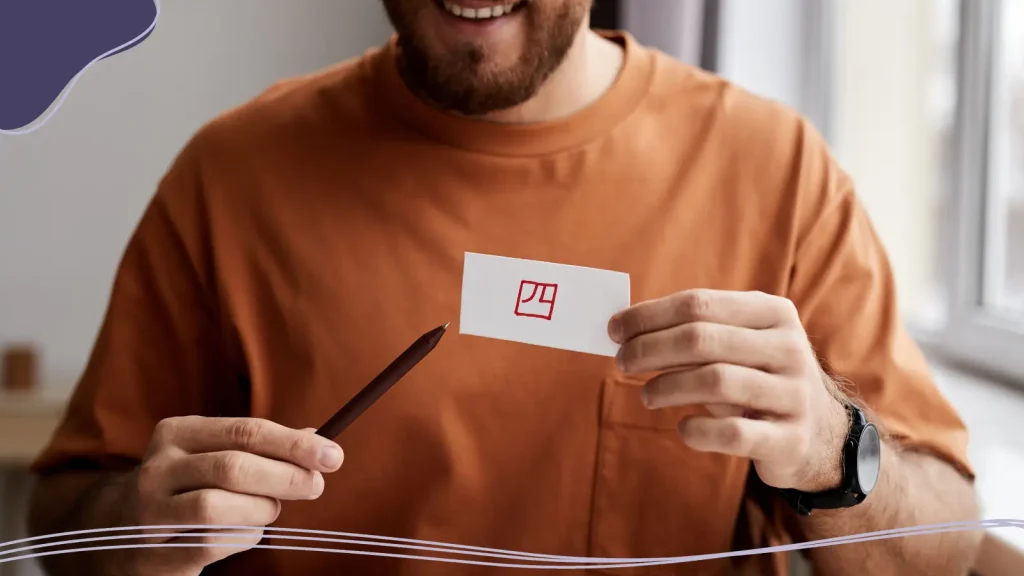
Where to Put the Logo on the Back
The back of a business card is prime real estate that most people underuse. There are two smart approaches here. The first is to use the full back for a large, bold version of your logo, almost like a logo poster. This bold version works especially well if you have eye-catching graphics or a logo that looks great at scale. The back becomes a mini brand statement.
The second approach is to place just a small icon or simplified mark, sometimes called a brand mark, in the lower-right corner or center-bottom of the back, leaving the rest of the space for a tagline, pattern, or solid brand color. This creates a sophisticated, layered feel. Whichever approach you take, make sure the back of the card feels like it was designed intentionally, not like an afterthought.
T-Shirts
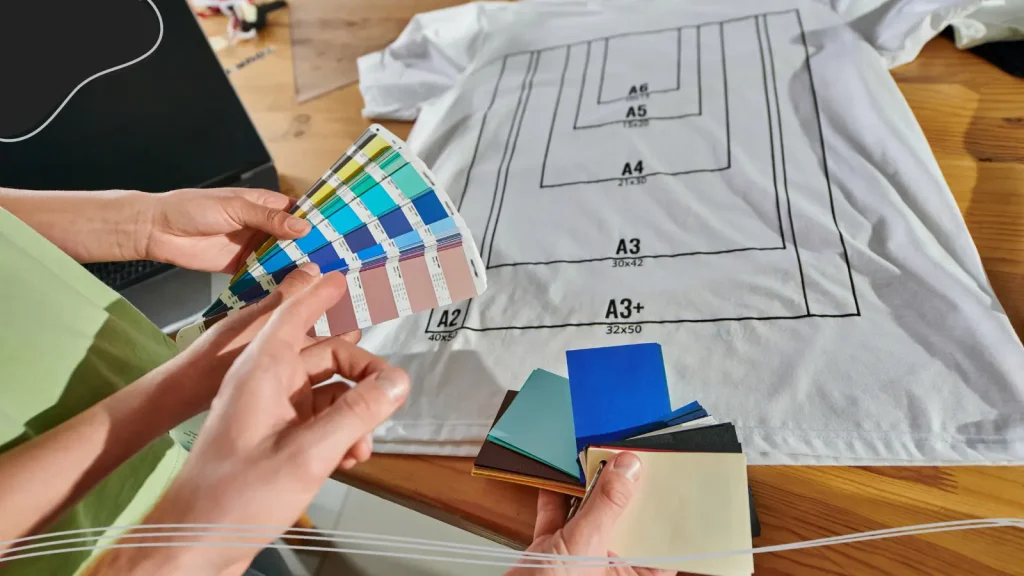
Custom T-shirts are one of the most popular branded products out there, and for good reason; they’re walking billboards. But placement on a T-shirt isn’t one-size-fits-all. Where you place your logo depends on the message you want to send, the style of the shirt, and how the print will be worn in real life.
Left Chest vs. Full Front vs. Back Print
- The left chest placement is the classic choice for professional, corporate, or understated branding. Think of it as the polo logo position, small, refined, and unmistakably intentional.
- A full front or center chest placement is for when you want to make a statement. Bold designs, large graphics, and screen printing that covers a significant portion of the chest fall into this category. This is where bold graphics shine; it’s the placement you see on band tees, streetwear drops, and graphic shirts that lead with the design.
- Back prints are huge canvases. The upper back, centered between the shoulder blades, is the most common placement for back logos. Back placement is especially popular for team shirts, event apparel, and anything where you want the design to read from a distance.
Standard Measurements from Collar & Side Seams
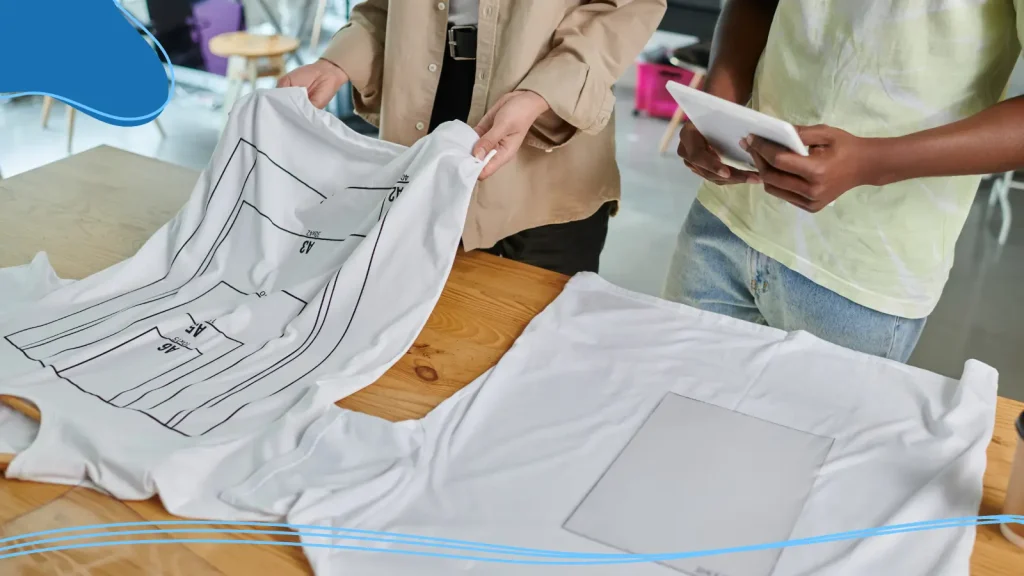
Getting consistent placement across a T-shirt print run comes down to using fixed reference points.
- Left chest placement: Measure 3 to 4 inches from the left shoulder seam toward the center of the chest, and 6 to 8 inches down from the top of the collar.
- Center chest designs: Measure from the center of the collar straight down and center the design horizontally on the shirt’s midpoint.
- Back print: Measure 4 inches down from the back collar and center the design between the shoulder blades.
If you’re working with a specific logo dimensions requirement, always check with your printer about maximum print area sizes, which vary by shirt size and printing method. Standard print areas for adult shirts are typically 12 inches wide by 14 inches tall for the front and 12 inches wide by 14 inches tall for the back.
When to Use Sleeve & Neck Placements
Upper sleeve placement has become increasingly popular, especially for athletic, streetwear, and brand-forward designs. The standard upper sleeve logo sits about 1 to 2 inches below the shoulder seam on the left or right sleeve and is typically 2 to 3 inches wide. Sleeve placement works best with simple marks or small logos; intricate details can get lost on a curved sleeve surface, especially with screen printing.
Back collar placement is a subtle but effective way to add a secondary brand touch. It typically sits just below the back collar and is usually quite small, around 1 to 2 inches wide. This is a great spot for a secondary logo, a website URL, a social handle, or a small icon. It’s the placement that customers discover when they get up close, which makes it feel like a thoughtful detail rather than an advertisement.
Hoodies & Sweatshirts
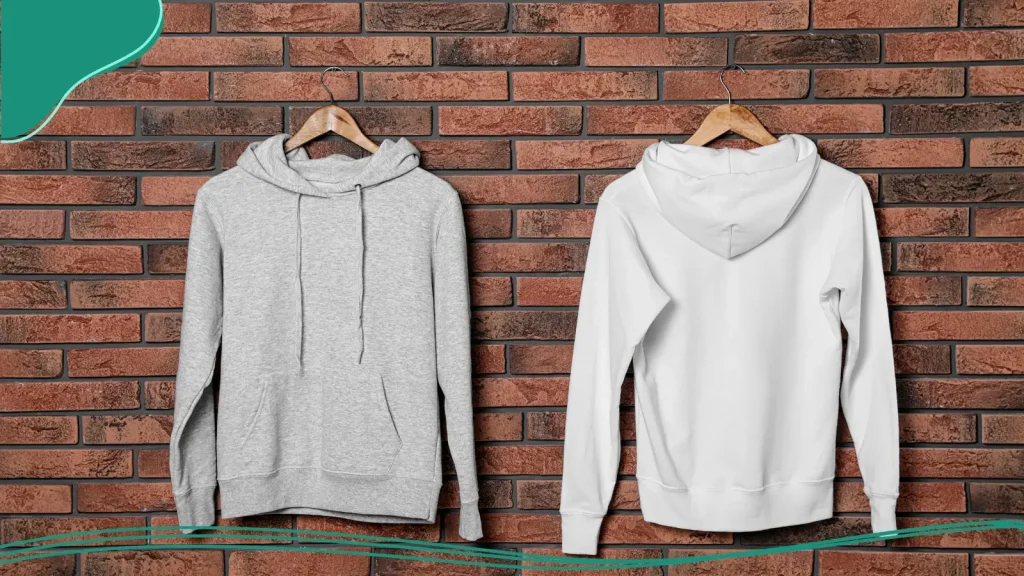
Hoodies are a little more complex than T-shirts when it comes to logo placement, and that’s actually a good thing, because the added complexity means more creative opportunities. Kangaroo pockets, zippers, drawstrings, and hoods all create design considerations that don’t exist on a standard shirt.
How Hoodie Pockets & Zippers Affect Placement
The front kangaroo pocket was originally designed for athletes in the 1920s, but has become a staple of modern athletic and street fashion over the last few decades. However, the kangaroo pocket poses an interesting dilemma. If your hoodie has a center pocket, a large center-chest logo will sit awkwardly above or over it, depending on the size. A similar issue arises for full-zip hoodies; the zipper runs right down the center, which means a center-chest logo gets split in half, not a great look.
Left chest placement sidesteps both of these problems completely and is often the cleanest choice for zip-up and pocket hoodies. If you really want a larger front print on a pullover hoodie with a pocket, make sure to place it in the upper portion of the chest, above the pocket.
Front vs. Back Logos on Hoodies
One of the most popular hoodie branding approaches is to put a smaller logo on the front, either left chest or center upper chest, and a larger, bolder design on the back. This gives you the best of both worlds: subtle brand presence up front, big visual impact from behind.
Large back prints on hoodies can be genuinely dramatic and effective, especially for brand launches, merchandise drops, or event apparel. Because hoodies have a slightly more relaxed, oversized silhouette than T-shirts, you can often go larger with your back design without it feeling overwhelming. Bold designs with strong typography or graphic elements tend to look especially great here.
Sleeve & Hood Placements
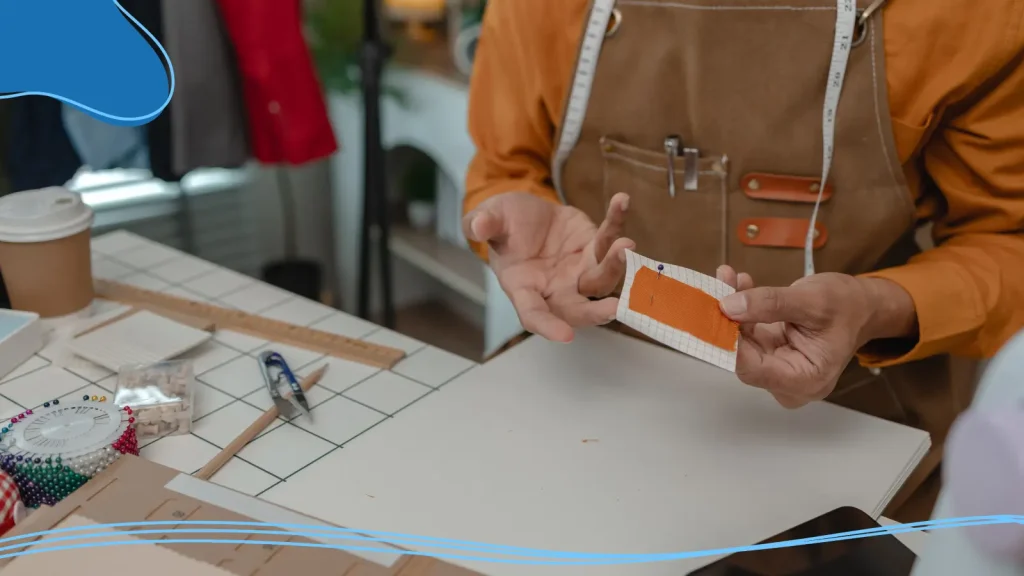
Sleeve placement on hoodies follows similar rules to T-shirts. Because hoodie fabric is often thicker, embroidery tends to work better than screen printing for sleeve logos. A small brand mark or team name on the upper sleeve adds a professional, layered feel to a hoodie design. It’s the kind of detail that makes a hoodie look like it came from a legitimate brand.
Hood placement is relatively uncommon but can be a really distinctive choice when done well. A logo or wordmark printed or embroidered on the back of the hood, visible when the hood is down, creates an unexpected brand moment. Keep it simple and sized appropriately for the hood’s flat surface area.

Hats & Caps
Hats are probably the most brand-forward item on this list. Think about it, a hat is literally at eye level when someone is talking to you. It’s one of the few wearable items where the brand placement is almost always front and center. But that visibility comes with constraints, because embroidering or printing on a hat is technically more demanding than on a flat surface.
Front-Center Embroidery Considerations
The front center panel of a structured cap is where most logos live, and for good reason, it’s the highest-visibility placement on any headwear. Standard logo sizes for front panel embroidery typically range from 2 to 3.5 inches wide and 1.5 to 2.5 inches tall, depending on the panel height. The center of the design should sit roughly at the vertical midpoint of the front panel, centered horizontally.
Embroidery is the dominant method for hat decoration, and it has some important implications for logo design. Intricate details don’t translate well to embroidery. The needle can only do so much. For best results, your logo should have clean edges, limited colors (most embroidery shops recommend no more than 8 thread colors), and no ultra-fine details that will blur together at small sizes. If your logo has very detailed elements, consider creating a simplified embroidery-friendly logo variation specifically for hat use.

Side & Back Logo Options
Side panel placement is a great option for secondary branding, a small icon, or a complementary design element. In most instances, side logos are usually smaller than front logos, typically 1 to 2 inches wide, and sit centered on the panel both vertically and horizontally. This is a popular placement for a brand year, a small slogan, or a secondary mark.
Back panel placement is less common but works well for logos, website URLs, or social handles that you want people to see from behind. Keep back panel designs simple and legible; they’re often seen from a distance or in motion, so small logos or fine type can be hard to read.
Mugs & Drinkware
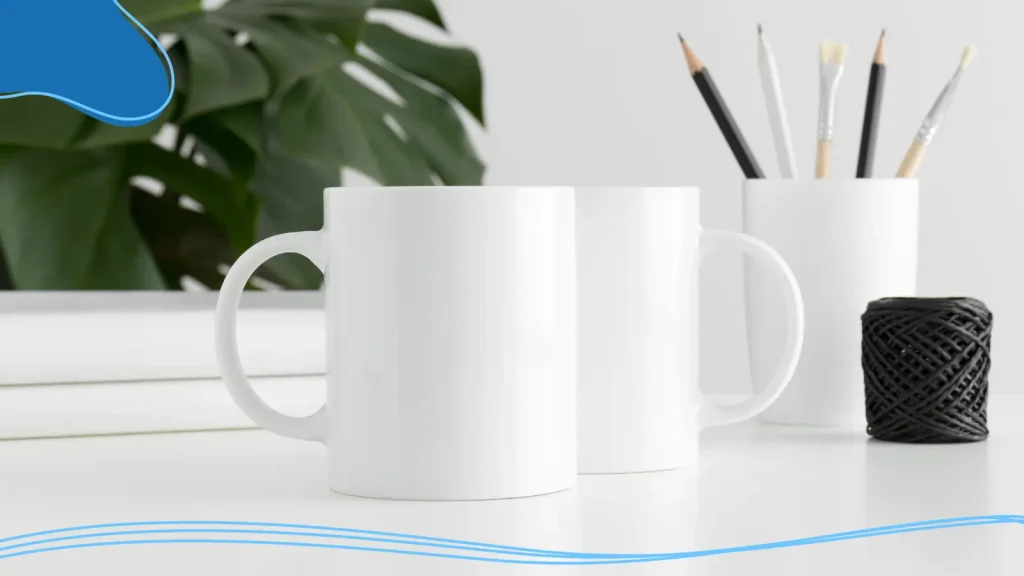
Branded mugs and drinkware are a beloved category of corporate merchandise, and they sit on desks, in kitchens, and at meetings, so they get a lot of eyes on them. But mugs have a unique design challenge: they’re cylindrical, which means your logo is never fully visible at once. Smart placement makes the difference between a mug that showcases your brand beautifully and one where your logo is perpetually hidden under someone’s palm.
Single-Side vs. Wraparound Logos
The most common approach is single-side placement, your logo lives on one face of the mug, ideally positioned so it’s visible when the mug is sitting on a desk and facing outward. Standard single-side logos on an 11 oz mug are typically 3 to 4 inches wide and 2 to 3 inches tall, centered vertically on the mug’s printable area. This is the clean, classic approach that looks professional and reads clearly from a normal viewing distance.
Wraparound designs are a bolder choice; the graphic or logo wraps all the way around the mug’s circumference. This works best for continuous patterns, panoramic illustrations, or brand designs where the entire 360-degree surface is part of the visual story. Wraparound is more expensive to print, but the effect can be genuinely impressive. Just keep in mind that any specific logo or text element in a wraparound design still needs a clear focal point that reads well from the primary viewing angle.
Placing the Logo Relative to the Handle
Here’s the detail that most people overlook: the handle. When someone picks up a mug, their dominant hand is on the handle, which means the face of the mug that’s visible to others (and to them when they drink) is opposite the handle. So for maximum visibility, place your logo on the side directly opposite the handle. This is sometimes called the ‘drinking face’ of the mug, and it’s where your brand will spend most of its time being seen.
For left-handed-friendly designs, center the logo so that it’s equally readable from either side, rather than leaning hard toward one orientation. If you’re printing a specific directional logo (like a character or mascot facing a particular way), make sure they’re facing the drinking side, not the handle side.
Tote Bags & Other Soft Goods
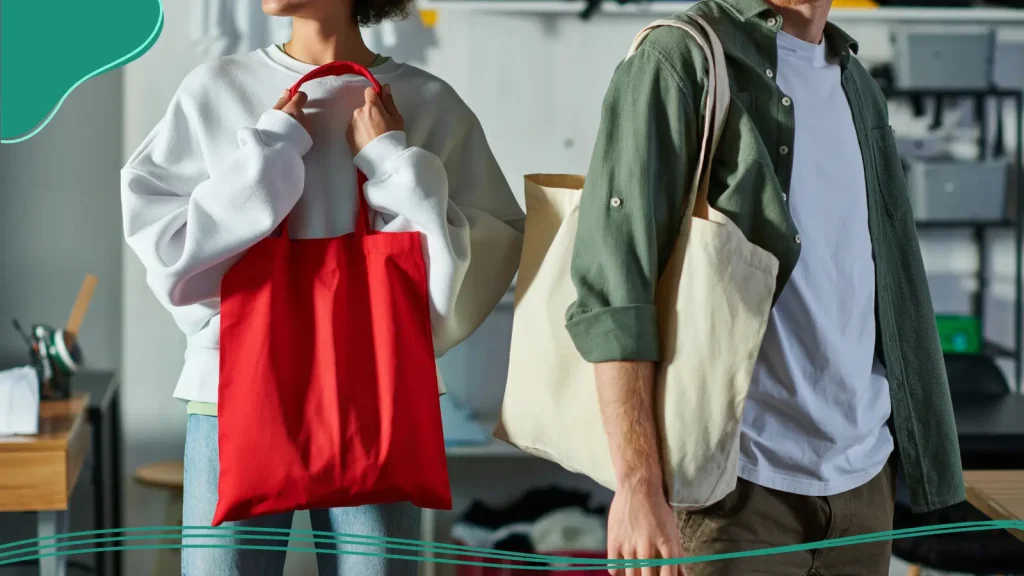
Tote bags have had a genuine cultural moment over the last decade. For example, the Trader Joe’s tote bag (and its many variations) has transformed from a simple grocery bag to a full-fledged fashion icon. The rise in popularity means branded tote bags are now something people actually want to carry, which makes them an especially powerful branding tool.
Front vs. Back Placement & Scale
Tote bags have a large, flat print surface, typically around 10 to 13 inches wide and 10 to 14 inches tall for a standard grocery-style tote. This is generous real estate, which means you can go bold. A large, centered logo on the front of a tote bag creates strong brand visibility, whether the bag is hanging on a hook, sitting in a cart, or swinging from someone’s shoulder.
Front placement is the default for a reason; it’s where the eye goes first. But back placement is worth considering for brands that want to create a more editorial feel. Also for designs where the back serves as a complementary or secondary design space. If you’re going to use both sides, make sure the front and back feel like part of a cohesive design system rather than two unrelated concepts crammed onto the same bag.
Using Patterns vs. Single Logos
Allover patterns, whether it’s a repeating logo, a branded illustration that tiles across the surface, or a geometric pattern that incorporates the brand mark, are a fun and increasingly popular option for tote bags. A repeating pattern print turns the entire bag into a brand expression rather than just a product with a logo on it. It also means the brand is visible from any angle, regardless of how the bag is oriented.
Single logos on a clean background remain the most versatile and professional choice, particularly for corporate tote bags or employee merchandise. If you’re going the single logo route, invest in getting the scale right. A good starting point: aim for the logo to be approximately one-third to one-half the width of the bag’s print surface.

How to Prepare Files with Correct Placement for Printers
Bad file preparation is the number one cause of logo placement disasters. Here’s how to get it right.
Using Templates & Safe Zones
Most reputable print shops provide downloadable templates for their products; use them. These templates show you the exact dimensions of the product, the safe print area (where your design should live), and any danger zones near seams, edges, or structural features.
Safe zones are the areas of the product where the design is guaranteed to print cleanly, away from edges, seams, and any part of the product that might interfere with printing or finishing. Think of the safe zone as your reliable placement area. Stay within it, and you can be confident that your design will look as intended. The bleed zone (the area beyond the safe zone toward the edge) is for background colors or patterns that need to extend to the edge of the product. Don’t put any important elements like your logo in the bleed zone.
Checking Text & Logo Legibility at Size
Before you send your files to the printer, always check your logo at its exact output size. This sounds obvious, but it’s shocking how often logos that look great on screen fall apart when they’re printed at their actual dimensions. Zoom your design file to the maximum size and look at it. If it’s a vector file in Adobe Illustrator or a similar program, you should be able to see exactly what it will look like at the print size.
For text-based designs, check that all text is legible. The minimum recommended text height for readability in most print contexts is about 6 to 8 points for screen printing and about 0.25 inches for embroidery.
Always use a vector file format (AI, EPS, or PDF) as your primary file format for logo files. Vector files can scale to any size without losing quality. This means your printer can adjust the exact size without degrading the image. If your printer requires raster files like PNG files, make sure they’re provided at at least 300 DPI at the intended print size. Low-resolution files are the single most common cause of blurry or pixelated printed logos.

Conclusion
At the end of the day, great logo placement isn’t about rigid rules; it’s about intention. When you take the time to consider spacing, scale, visibility, and how a product is actually used, your branding instantly feels more polished and professional. All those small placement decisions add up to a big impact. Get the details right, and your logo won’t just sit on a product; it’ll elevate it, turning everyday items into powerful, memorable brand experiences.
Ready to take your business branding to the next level? LogoMaker offers a wide range of promotional products from hats to coffee mugs and everything in between. If you need a company logo to put on your merchandise, use our innovative AI-Powered logo design platform to create an amazing logo that is sure to leave a lasting impression.

FREQUENTLY ASKED QUESTIONS
What is the standard logo size for a left chest placement on a T-shirt?
The standard left chest logo on a T-shirt is typically 3 to 4 inches wide. The exact size depends on the logo’s proportions, but staying within that range ensures the logo reads clearly. Large designs can extend beyond this range.
What file format should I send to my printer for logo placement?
The Vector file type is almost always the best choice; AI (Adobe Illustrator), EPS, or PDF (if they contain vector graphics) formats can scale to any size without losing quality. Make sure the file size is not too large, or the printer might not accept it.
How do I handle logo placement on a full-zip hoodie?
Left chest placement is the cleanest option for zip-up hoodies; it avoids the zipper entirely and positions the logo in a prominent, traditional spot. Adding text or additional logos to the sleeves is also a good way to extend company branding.
What’s the best logo placement for a business card?
The top-left corner is the most traditional and widely used placement for business card logos, as it’s the first place the eye naturally lands. While there is no such thing as the best placement, this seems to be the perfect placement for effective business cards.
What is a safe zone, and why does it matter for logo placement?
A safe zone is the area on a product’s print template where your design is guaranteed to print cleanly, away from edges, seams, pockets, and any structural features. Always keep your logo within the designated safe zone provided by your printer’s template.