
Your logo is often the first thing people notice about your business. It shows up on your website, business card, sign, social profile, packaging, and marketing materials, so it needs to be clear, memorable, and easy to use everywhere.
A strong logo does not need to be expensive, overly detailed, or created through a long agency process to be effective. Across the older LogoMaker articles in this cluster, the same themes keep showing up: keep it simple, make it readable, stay professional, use only what you need, and match your budget to your stage of business.
This guide brings those ideas together into one practical process. It will help you understand what makes a good logo, how to design one yourself, when to hire help, how much logo design should cost, and what you can learn from the logos of major companies.
What Makes a Good Logo?
A good logo is simple enough to recognize quickly and clear enough to read in the places where customers will actually see it. LogoMaker’s older guidance repeatedly emphasizes readability, simple shapes, limited colors, and a professional look over decorative complexity.
That means your logo does not need to tell your whole company story. One of the existing posts says this directly: a logo identifies who you are, while your marketing and customer experience do the heavier work of selling your products and explaining your brand.
A good logo also works in real life, not just in a design preview. If it falls apart on a business card, becomes unreadable on a sign, or only works at one size, it is not ready yet.
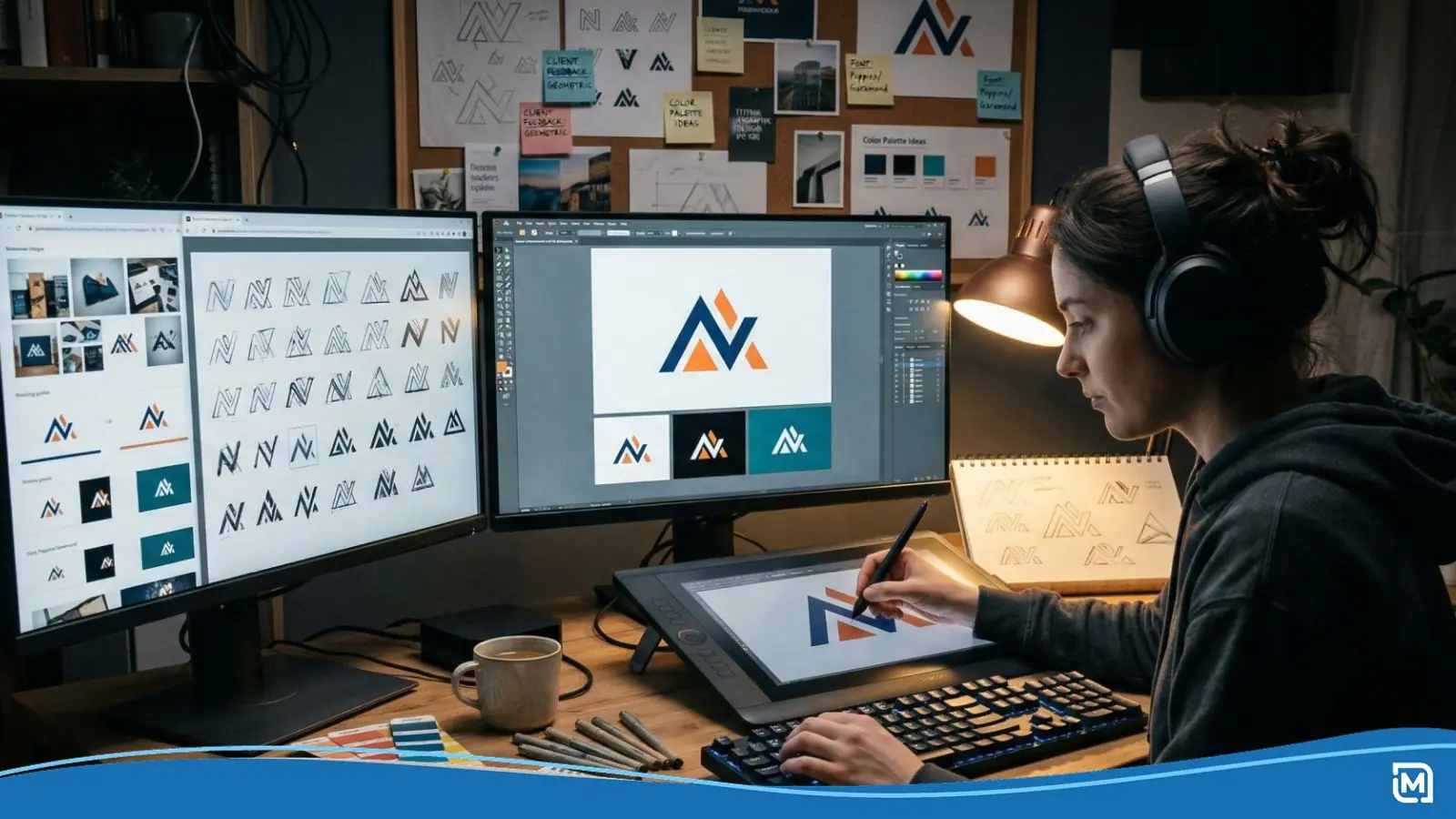
How to Design a Logo Step by Step
1. Start With Your Business Name
One of the clearest lessons in the older posts is that most small businesses should include the company name in the logo. The article on logo tips makes the point with Nike: a symbol-only logo usually works after years of recognition and major ad spend, not at the beginning.
If you are a newer business, your name is doing important work. It tells customers who you are and gives them something to remember while your brand is still being established.
2. Decide What You Want the Brand to Feel Like
Before picking colors, fonts, or icons, define the impression you want to make. LogoMaker’s content guidelines say to write for beginners and connect decisions to practical business goals, which is the right approach here too.
Ask yourself which words should describe your business. For example, you might want the brand to feel trustworthy, modern, friendly, creative, premium, or local. Those choices will shape the rest of the design.
3. Use One or Two Colors
Several posts in this cluster make the same recommendation: stick to one or two colors. The article based on major US companies points out that the logos it reviewed generally used no more than two colors, and the article on making a great logo repeats the same rule for strong brand recognition.
This matters because simpler color systems are easier to remember and easier to reproduce consistently. They also tend to hold up better across print, digital layouts, and physical products.
Blue appears often in large-company logos, but the broader lesson is not to copy a specific color. It is to choose a limited palette that fits your brand and use it consistently.
4. Choose a Font People Can Read
A logo should be easy to read in a few seconds, whether someone sees it on a sign, a business card, a T-shirt, or the top of your website. That warning appears directly in the seven tips article, and the large-company examples article reinforces it by noting how often successful brands use simple, readable type.
Readable fonts are not boring. They are useful. If your business name becomes hard to read when the logo gets smaller, the design needs work.
5. Pick a Simple Icon, or Skip the Icon Entirely
The older LogoMaker articles are consistent on this point too. If you use an icon, keep it simple. Strong logos tend to use simple marks that can be recognized quickly in both small and large sizes.
You also do not need an icon at all. One article explicitly notes that many strong brands rely on a distinctive wordmark instead of a symbol, which can be a great option if your business name is short and memorable.
If you do choose an icon, avoid trying to represent every service or product your business offers. The older advice includes an example of a client who wanted seven icons in one logo because they offered seven services, and the result was a mess.
6. Remove What Does Not Belong
A logo works better when it is focused. The older posts recommend leaving out extra elements such as phone numbers, website URLs, legal endings like Inc. or Co., long taglines, and other details that distract from the core mark.
The lesson from big brands is simple: a logo is a marketing asset, not a legal document. It should identify your business clearly, not carry every piece of supporting information you might use somewhere else.
7. Test the Logo Where You Will Actually Use It
Do not judge a logo only by how it looks on a white screen. Test it in the places where it will live: your website header, business card, social profile, printed shirt, sign, or label.
This step is especially important for LogoMaker customers because the brand is built around carrying one logo across digital tools and physical products. A design that works across those formats will save time and keep your branding more consistent as the business grows.
8. Save Files You Can Actually Use
One of the strongest practical points in the pricing article is that low price does not always mean good value. A cheap logo becomes expensive if it does not include the high-resolution or vector files you need for real-world use.
The article specifically recommends getting vector files such as EPS or AI. Those file types matter because they can scale for print and signage without losing quality.
DIY Logo Design vs. Hiring a Designer
One of the clearest messages across the provided posts is that not every business needs to hire a designer right away. The pricing article says that if you only need a simple logo to prove a concept and get started, you are almost certainly better off creating your own logo than spending heavily on an agency.
The seven tips article also says most small business owners do not need to spend a lot of money on a logo, while the article on making a great logo points out that strong logos do not need to be expensive to work well.
That said, hiring a designer can make sense in the right situation. If you need deeper research, several concept directions, extensive revisions, or a full brand system beyond the logo itself, professional design support may be worth the cost.
| Situation | Best Option | Why |
|---|---|---|
| New business, side hustle, or early launch | DIY logo design | You need speed, affordability, and a practical way to start. |
| You want to test a concept before investing more | DIY logo design | The pricing article specifically recommends a starter logo approach first. |
| You need a clean, simple identity for cards, web, and basic branding | DIY logo design or guided platform | The older posts repeatedly show that simple logos often work best. |
| You are rebranding an established business or need broader brand strategy | Hire a designer | You may need more research, more concepts, and more custom direction. |
For many small businesses, the smartest move is not choosing between DIY and professional help forever. It is choosing the right level of investment for where the business is right now.
How Much Should a Logo Design Cost?
The older LogoMaker pricing post makes the answer clear: logo prices vary widely depending on who creates the work and what is included. The article cites DIY logo makers ranging from about $5 to $300, freelance logo work around $1,200, professional design services as low as $99 in some cases, and agency logo projects in the $5,000 to $10,000 range or higher.
It also explains why those numbers can be so different. At the high end, companies may be paying for more than a logo, including research, focus groups, environmental graphics, and brand standards. At the low end, a business owner may only need a simple file that helps launch the company.
So the better question is not “What should everyone pay?” It is “What do you need right now?” The article says that if all you need is a simple design file to get started, even a few hundred dollars may be too much.
Here is a practical way to think about budget:
| Business Stage | What You Likely Need | Suggested Approach |
|---|---|---|
| Idea stage | A starter logo and usable files | Use a DIY logo tool or a low-cost option. |
| Early traction | A more polished logo with some refinement | Upgrade your DIY concept or hire a freelancer. |
| Established brand | A broader identity system and deeper brand work | Consider professional design support. |
The pricing article also gives one more rule that matters just as much as the number itself: make sure you receive high-resolution files and usage rights. If you do not, even a low-cost logo can turn into a bad purchase.
7 Logo Design Tips to Keep in Mind
The original seven tips post is one of the clearest pieces in this cluster, and its advice still holds up well when folded into a larger guide.
1. Use Your Company Name
Do not assume you can launch with a symbol alone. Unless you have enormous brand recognition already, your business name should usually be part of the logo.
2. Make Sure People Can Read It
If customers cannot read your logo quickly on a sign, shirt, website header, or business card, the design is not helping you.
3. Keep It Professional
Simple, clean, and professional will usually serve your business better than a logo crowded with colors, fonts, and decorative extras. The post specifically warns against trying to include too much, especially when the goal is to attract paying customers.
4. Do Not Ask the Logo to Do Too Much
A logo identifies your business. It does not need to explain your entire value proposition, increase sales on its own, or tell your complete brand story in one glance.
5. Trust Good Judgment Over Overthinking
The same article argues that you do not need a focus group just to validate whether your logo is good. Create a logo that fits your customers and your business, then use it consistently.
6. Once You Have a Good Logo, Stay Consistent
The post advises against frequent logo changes, and the large-company examples back that up. Consistent use over time builds recognition, while unnecessary changes can weaken it.
7. Do Not Overspend Early
The article’s point is practical, not anti-design. Most small business owners have bigger early priorities than sinking a large amount of money into a logo before the business is proven.
What Big Company Logos Can Teach You
The article looking at major US companies turns big-brand logos into a useful checklist for smaller businesses.
First, keep your color palette restrained. The logos in that review generally used one or two colors, and some used only one.
Second, choose fonts that are easy to read and recognize. The article points out that even large brands with custom treatment still rely on readable letterforms.
Third, simplify your icon choices. Some of the logos reviewed use no icon at all, and those that do use very simple shapes instead of detailed illustrations.
Fourth, leave out legal wording and other nonessential extras unless there is a very specific reason to keep them. That article notes that even very large companies usually separate logo use from legal-document requirements.
Finally, be consistent. The strongest takeaway from that post is not any one font or color choice. It is the long-term consistency in how major companies use their logos over time.
Common Logo Design Mistakes to Avoid
The provided posts reveal a few recurring mistakes that are easy to avoid once you see the pattern.
One is trying to put too much into the logo, whether that means too many colors, too many icons, too many words, or too much meaning. Simpler logos are easier to recognize and easier to use.
Another is forgetting practical use. A logo that looks nice in one setting but fails on print materials, apparel, signage, or small digital placements will create problems later.
A third is paying attention only to price and not to deliverables. The cost article warns that some cheap logo offers do not include the high-resolution or vector files you actually need.
A fourth is redesigning too often. The seven tips post and the major-companies post both make the same point in different ways: consistency builds recognition.
Build a Logo That Works Now and Later
A great logo is not the one with the biggest budget or the most design details. It is the one that clearly identifies your business, looks professional, stays readable, and works everywhere you need to use it.
That is why the strongest advice across all of the provided posts points in the same direction. Start simple, use your name, choose readable type, limit colors, avoid clutter, get the right files, and spend based on your real business needs.
LogoMaker fits that practical path well because it gives businesses a way to create a professional logo and carry it into other branded assets from one place. For readers who want a DIY route now and room to grow later, that is a useful next step.